App lock
Set a 6-digit PIN in phone settings to add an extra barrier to opening the gb99 App

This page explains to parents and guardians how safe play, self-exclusion, and player protection work in the gb99 App; many people in Dhaka verify accounts with bKash and Nagad, so the controls should be set from the start.
Download gb99 APK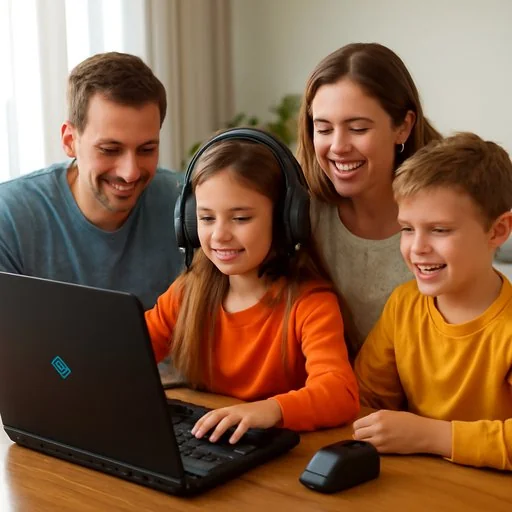
Here the 18+ rule is the main thing; new accounts, login and device verification steps in the gb99 App enforce the age limit; this platform is not suitable for anyone under 18.
If guardians use the same phone in Dhaka or another city, screen lock and app lock are very useful; if unfamiliar transactions appear on bKash, Nagad or Rocket, first verify both the account and the device.
Check birth date on the phone, app permissions, and login history; in 2 minutes, many inconsistencies can be spotted.
Keep device passcode, fingerprint and parental controls on; this reduces unnecessary access.
Set a 6-digit PIN in phone settings to add an extra barrier to opening the gb99 App
Keep age-based filters enabled; on some devices it can be set in 3 steps.
Limit daily usage time to 30 or 60 minute sessions; easiest to monitor.
On Android, use App pinning and Family Link; for many families in Dhaka this is a quick solution.
Screen Time lets you set app limits, content age and download controls; setup ends in 3 minutes.
Filtering on home WiFi reduces access for kids; even when Rocket or Nagad top-ups occur, monitoring stays separate.
These tools not only block but also can track visit time, app installs and notifications if needed.
If irritation, hidden use or money hiding starts, stop first and talk; then check the settings; the three organizations below can provide quick help.
If you feel stress, sleep problems or anxiety, talk to a mental health professional; talking sooner reduces harm.
First involve one adult family member; decisions are easier when two people decide.
Visit schools, community centers or local counseling services in Dhaka to find such support.
If self-exclusion is needed, enable it without delay; a break is not a loss; it's a way to regain control.
Take a break after a set period to reduce continuous use.
Promotional notifications can be turned off; this reduces distraction and helps focus.
If needed, request temporary suspension; read the break rules before returning to gb99 Login.
After registering on gb99, review these tools once; setting limits from the start makes safe play easier to maintain.
Parents, players or family members should not be alone; if you have questions. gb99 Contact Page See the policies Help page Read
If you need to view a new account again. gb99 account settings Open self-exclusion, set limits and login history, the bottom line is one: keep safe play on the gb99 App, and put family first
Download gb99 APK